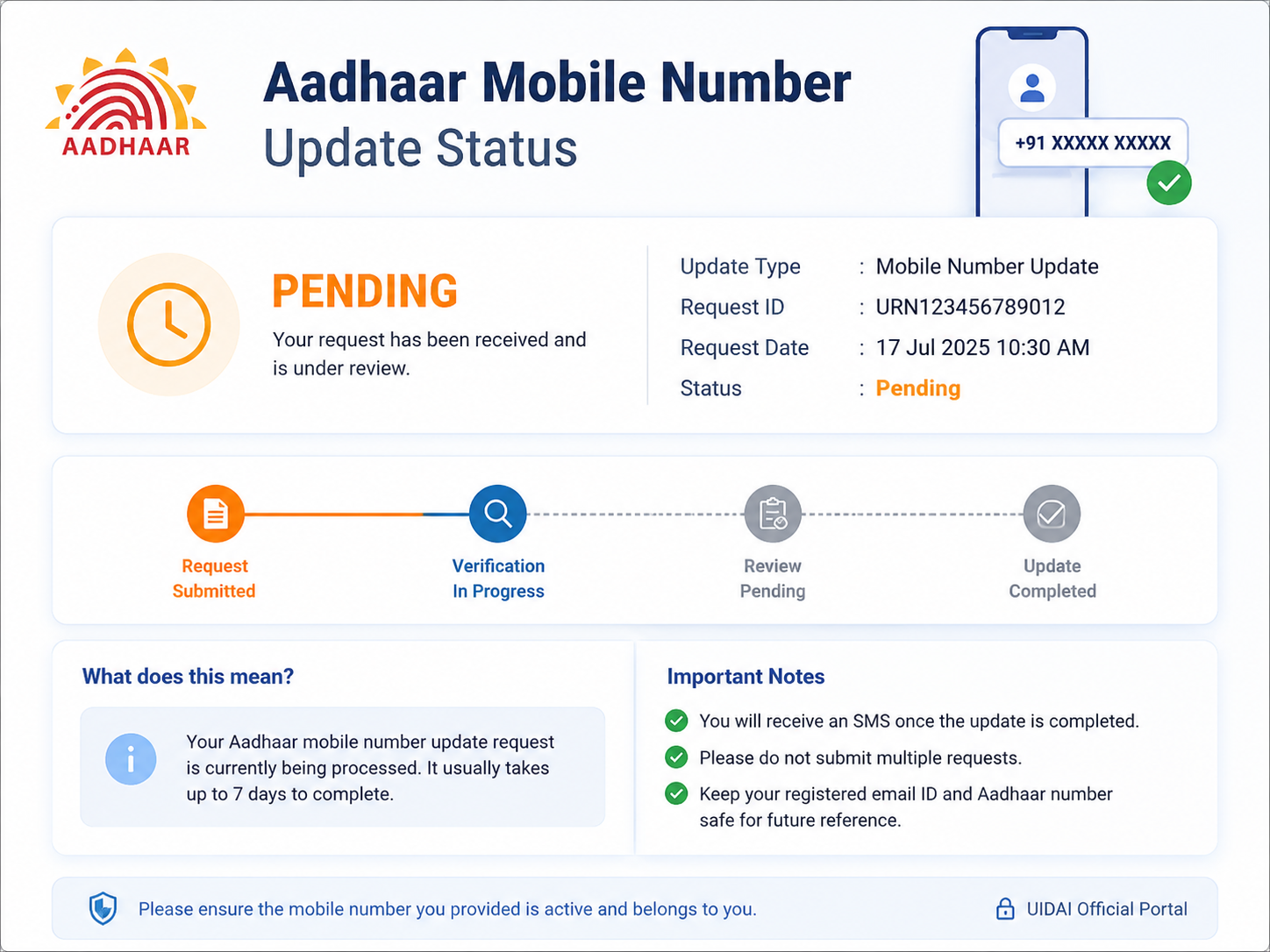
How to Address a “Pending” Aadhaar Mobile Number Update Status
If you have visited an Aadhaar centre to update your mobile number and the status is still showing as “pending,” here’s a step-by-step guide to understand and resolve the issue.
1. Understand the Process
Updating a mobile number in Aadhaar cannot be done online for security reasons. It requires a visit to an Aadhaar Seva Kendra or an authorized enrolment centre where your biometrics are verified . After the visit, the centre submits your request, but the actual processing is done by UIDAI at the backend . The acknowledgement slip you received contains an Update Request Number (URN) which is your key to tracking the request .
2. Check the Status Online
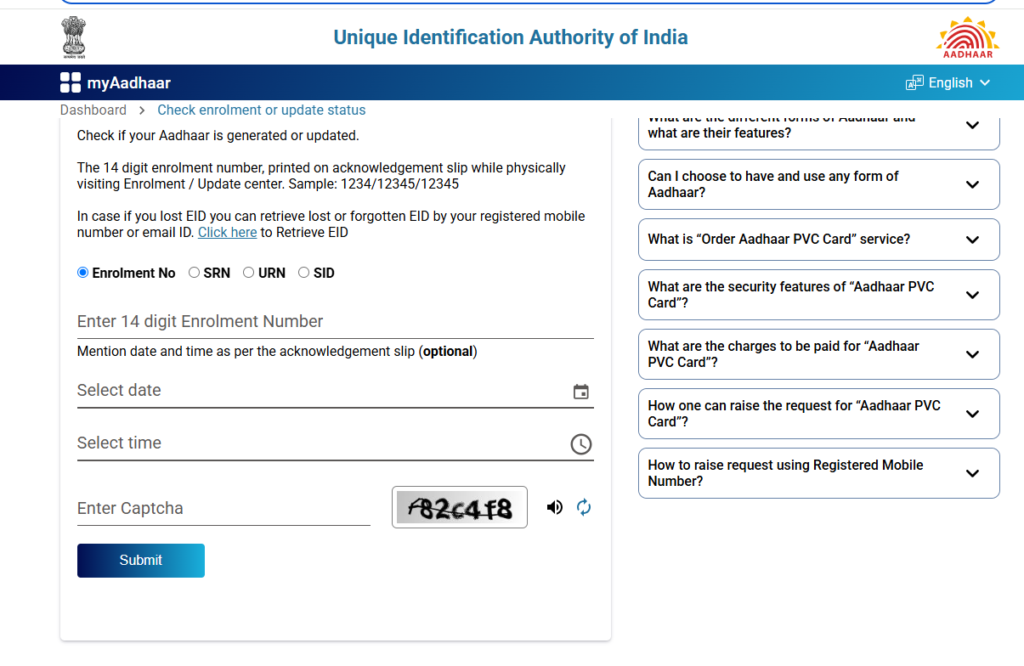
The first and most straightforward step is to check the status yourself using your URN.
- Go to the official myAadhaar portal: Click here to Visit
- Locate the “Check Aadhaar Update Status” option.
- Enter your URN and the captcha code, then click submit .
The status will show if your request is pending, in process, or rejected .
3. Wait for the Standard Processing Time
Processing a mobile number update is not instantaneous. The time can vary, and you should wait for the standard processing period to pass.
- The timeline printed on your acknowledgement slip is a good guideline. Do not escalate before this period has elapsed .
- Generally, updates can take 2 to 15 working days, though it can occasionally take up to 30 days .
4. Escalate Through UIDAI Channels
If the timeline on your slip has passed and the status is still “pending,” start the escalation process:
- Call the UIDAI Helpline: Dial 1947 and provide your URN. Ask for the current status, the reason for the delay, and the expected completion date . The helpline also has a 24×7 IVRS system for checking update status .
- Lodge a Grievance on the UIDAI Portal: File a complaint through the “Grievance and Feedback” section on the UIDAI or myAadhaar website. Attach your URN and a screenshot of the pending status to support your complaint .
5. Consider an RTI
If the helpline and grievance route do not yield a satisfactory answer, you can file a Right to Information (RTI) application with UIDAI. Since UIDAI is a public authority, it is obligated to respond to RTI queries. Your RTI can specifically ask for the current status of your update request and the reason for the delay . This is a tool for accountability but will not directly speed up the process .
Why is the Status Pending?
A “pending” status simply means UIDAI is still verifying the submitted details and biometrics. It is a normal part of the process and does not necessarily indicate a problem . The system could be awaiting final confirmation, or there might be a backlog.
Important Note: You cannot cancel a mobile number update request online. If a mistake was made, you would need to visit the centre again to submit a fresh request
How long does it take for Aadhaar mobile number update to reflect?
It usually takes 2 to 15 working days. In some cases, up to 30 days.
Can I check Aadhaar mobile update status without URN?
No. The URN is mandatory to track your request.
What if my URN is not showing any status?
Wait for 48–72 hours after submission. If still not showing, call 1947.
Will I get an SMS after the update is complete?
Yes, UIDAI sends an SMS to your new mobile number once the update is successful.
Can I update my mobile number online?
No. You must visit an Aadhaar enrolment centre for biometric verification.
Aadhaar PDF Password Not Working? Here is the Exact Format & Fix
Aadhaar OTP Not Received? 12 Common Reasons and Solutions (2026 Guide)
Aadhaar Biometric Locked Error: How to Unlock (Step-by-Step Guide 2026)
Check Aadhaar linking status with bank
Aadhaar Mobile Number Not Linked? How to Update It
