Aadhaar Authentication Failed Meaning: Reasons, Solutions and Complete Guide 2026
What Does Aadhaar Authentication Failed Mean?
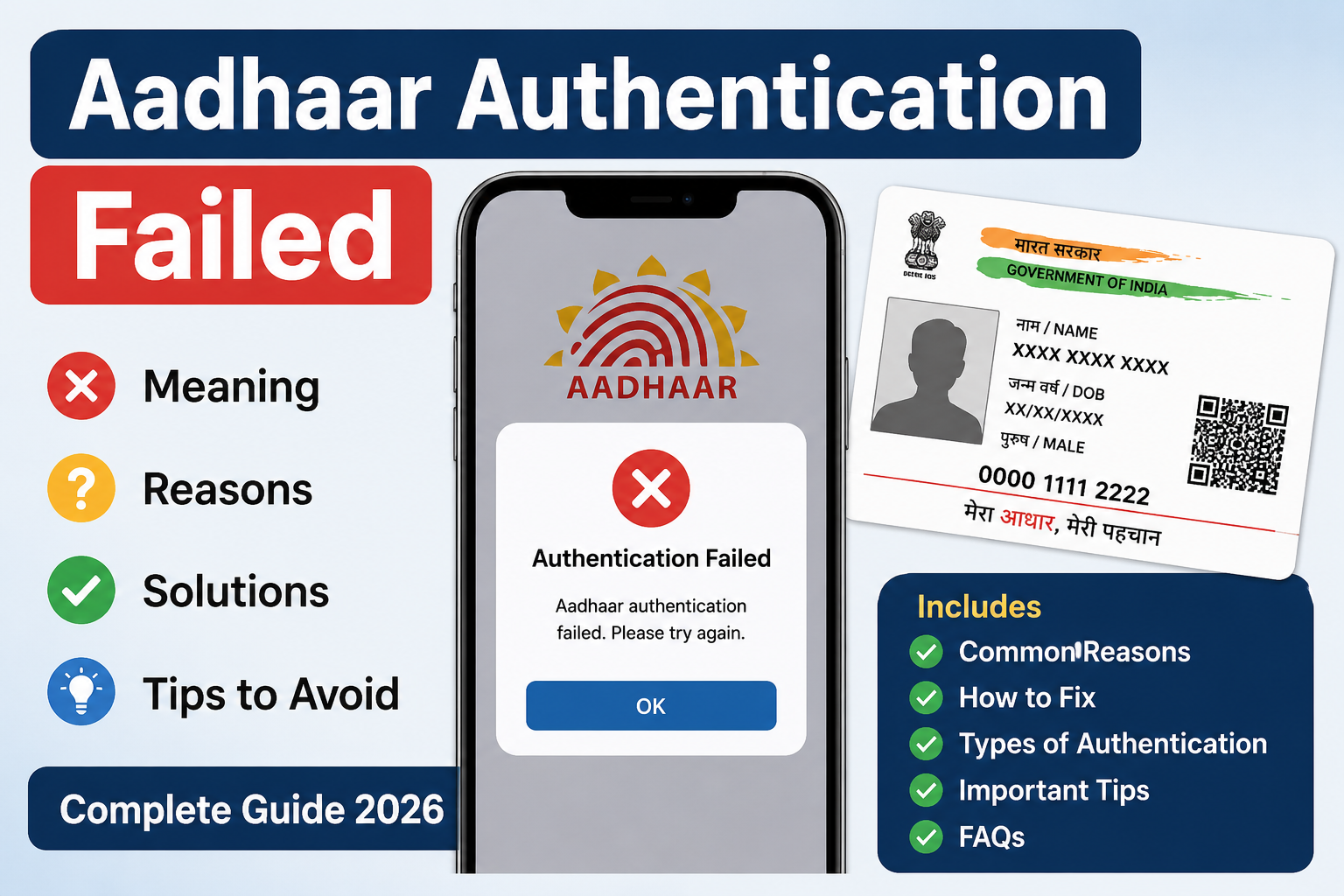
The message “Aadhaar Authentication Failed” appears when an Aadhaar-based verification request cannot be successfully validated through the authentication system.
This error may occur while accessing government services, welfare schemes, banking services, eKYC verification, mobile SIM verification, pension services, ration card verification, scholarship applications, or other Aadhaar-linked services.
In simple words, the system could not verify the Aadhaar details provided during the authentication process.
Why Does Aadhaar Authentication Fail?
Aadhaar authentication relies on matching the information entered by the user with the information available in the Aadhaar database.
If there is a mismatch or technical issue, authentication may fail and display an error message.
Several factors can cause this issue, ranging from incorrect details to temporary server problems.
Common Reasons for Aadhaar Authentication Failed Error
1. Incorrect Aadhaar Number
One of the most common reasons is entering an incorrect Aadhaar number.
Even a single wrong digit can result in authentication failure.
2. OTP Verification Failure
Many services require OTP verification.
Authentication may fail if:
- OTP is entered incorrectly.
- OTP expires before submission.
- Aadhaar-linked mobile number is inactive.
3. Biometric Authentication Failure
Some services use fingerprint or iris verification.
Authentication may fail if:
- Fingerprints are unclear.
- Biometric devices are not functioning properly.
- Biometric data cannot be matched.
4. Mobile Number Not Linked
Many Aadhaar-based services depend on mobile OTP verification.
If the mobile number is not linked or is outdated, authentication may fail.
5. Aadhaar Data Mismatch
Authentication can fail when:
- Name mismatch exists.
- Date of birth differs.
- Gender information is inconsistent.
6. Server Issues
Sometimes authentication systems experience:
- High traffic
- Technical maintenance
- Temporary downtime
In such cases, users may receive an authentication failed message even if their details are correct.
7. Network Problems
Poor internet connectivity can interrupt communication between systems and cause authentication failures.
8. Locked Aadhaar Biometrics
Some users lock their Aadhaar biometrics for security reasons.
If biometrics are locked, fingerprint-based authentication may fail.
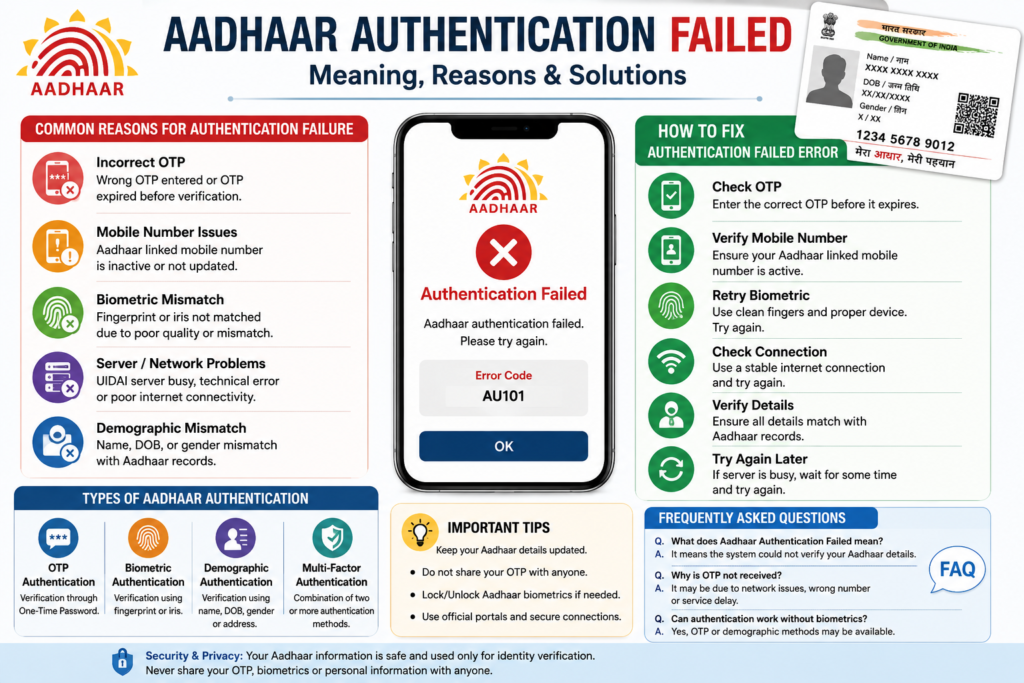
How to Fix Aadhaar Authentication Failed Error
Verify Aadhaar Number
Check the Aadhaar number carefully before submitting.
Make sure all digits are entered correctly.
Verify Mobile Number
Ensure that the Aadhaar-linked mobile number is active and able to receive OTPs.
Retry After Some Time
If the problem is caused by server issues, wait and try again later.
Update Aadhaar Information
If personal information has changed, update the Aadhaar record through authorized Aadhaar services.
Unlock Biometrics
If biometric authentication is required, verify whether Aadhaar biometrics are locked and unlock them if necessary.
Check Internet Connection
Use a stable internet connection while completing Aadhaar authentication.
Contact Service Provider
If the issue continues, contact the concerned department, bank, service center, or support team.
Aadhaar Authentication Types
OTP Authentication
Authentication through a One-Time Password sent to the registered mobile number.
Fingerprint Authentication
Authentication using biometric fingerprint verification.
Iris Authentication
Authentication using iris scan verification.
Demographic Authentication
Authentication based on personal details such as name, date of birth, and gender.
Important Tips to Avoid Authentication Errors
- Keep Aadhaar details updated.
- Maintain an active mobile number.
- Enter information carefully.
- Verify biometric devices before use.
- Avoid multiple rapid authentication attempts.
- Use secure internet connections.
- Check service announcements during maintenance periods.
Following these practices can reduce the chances of authentication failures.
Frequently Asked Questions (FAQ)
What does Aadhaar Authentication Failed mean?
It means the Aadhaar verification request could not be successfully validated.
Can Aadhaar Authentication Failed occur because of server issues?
Yes. Temporary server issues or maintenance can sometimes cause authentication failures.
Can wrong OTP cause authentication failure?
Yes. Incorrect or expired OTPs are common reasons for authentication failure.
How can I fix Aadhaar Authentication Failed?
Verify Aadhaar details, check the registered mobile number, ensure a stable internet connection, and retry after some time.
Does biometric mismatch cause Aadhaar Authentication Failed?
Yes. Fingerprint or iris mismatches may result in authentication failure.
Can locked biometrics cause authentication failure?
Yes. If Aadhaar biometrics are locked, biometric authentication may not work.
Conclusion
The Aadhaar Authentication Failed error is usually caused by incorrect details, OTP issues, biometric mismatches, mobile number problems, server downtime, or network connectivity issues. In most cases, carefully verifying information and retrying the authentication process can resolve the problem.
Understanding the meaning of Aadhaar Authentication Failed helps users quickly identify the cause and take appropriate action to complete verification successfully.
Download Aadhaar Authentication Guide PDF
PMAY Urban Application Form Download 2026: Complete Guide & PDF
Aadhaar Authentication History

1 thought on “Aadhaar Authentication Failed Meaning: 8 Common Reasons & Fixes”