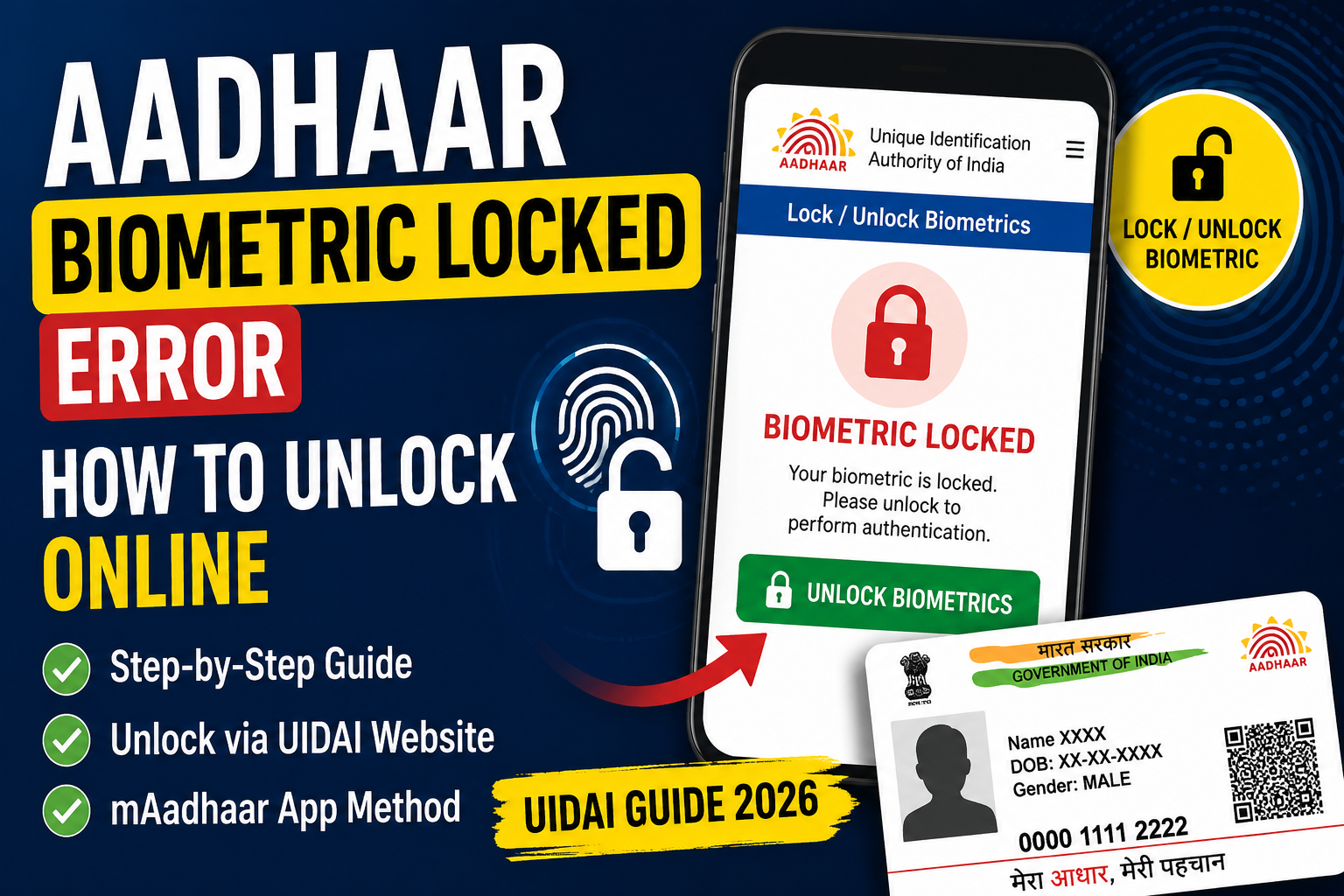
When you try to use Aadhaar authentication at banks, SIM verification, government schemes, or e-KYC services, you may sometimes face the error “Aadhaar Biometric Locked”. This is a common security feature introduced by the Unique Identification Authority of India (UIDAI) to protect your Aadhaar data from misuse.
In this detailed guide, you will learn what Aadhaar biometric lock means, why it happens, and how to unlock it online or through mobile services.
What is Aadhaar Biometric Lock?
Aadhaar biometric lock is a security feature that allows users to lock their biometric data (fingerprints and iris scans). Once locked, no authentication system can use your biometrics for verification.
This feature is managed by UIDAI and helps prevent:
- Identity theft
- Unauthorized Aadhaar usage
- Fraudulent biometric authentication
When biometrics are locked, you may see errors like:
- “Biometric authentication failed”
- “Aadhaar biometric locked”
- “Authentication rejected due to locked biometrics”
Why Does Aadhaar Biometric Get Locked?
There are several reasons why your Aadhaar biometrics may be locked:
1. Manual Locking by User
You or someone with access to your Aadhaar may have enabled biometric lock via UIDAI services.
2. Security Protection
UIDAI encourages users to lock biometrics when Aadhaar is not in use frequently.
3. Temporary Lock System
Some systems automatically restrict biometric use for safety after repeated failed attempts.
4. Privacy Protection
Locking prevents misuse in case Aadhaar number is exposed.
How to Unlock Aadhaar Biometric Online (Step-by-Step)
You can easily unlock Aadhaar biometrics using UIDAI’s official portal.
Step 1: Visit UIDAI Website
Go to the official UIDAI portal (Aadhaar services section).
Step 2: Select “Lock/Unlock Biometrics”
Look for the option:
- “Lock/Unlock Biometrics”
Step 3: Enter Aadhaar Details
Fill in:
- 12-digit Aadhaar number
- Security captcha
Step 4: OTP Verification
An OTP will be sent to your registered mobile number.
Step 5: Unlock Biometrics
After verification:
- Click Unlock Biometrics
- Your fingerprints and iris data will be enabled again
Once unlocked, you can use Aadhaar authentication normally.
Unlock Aadhaar Biometric via Mobile (mAadhaar App)
You can also unlock using the mAadhaar mobile app:
Steps:
- Open mAadhaar app
- Login using OTP
- Go to “Biometric Lock/Unlock”
- Select Unlock
- Confirm OTP verification
This is the easiest method for smartphone users.
Unlock Aadhaar Biometric by SMS – Is It Possible?
Many users search for “Unlock Aadhaar biometric by SMS”, but currently:
❌ UIDAI does NOT provide full biometric unlock via SMS
✔ Only OTP-based online or app methods are allowed
However, SMS is used only for:
- OTP verification
- Aadhaar services alerts
So be careful of fake SMS services claiming unlock options.
UIDAI Biometric Unlock Permanently – Is It Possible?
A common query is “UIDAI biometric unlock permanently”.
The truth is:
❌ There is NO permanent unlock feature
✔ You can only lock or unlock as needed
UIDAI designed this system so users can:
- Lock biometrics when not required
- Unlock when authentication is needed
This ensures maximum security and control.
Aadhaar Biometric Lock/Unlock Video Guide
Many users prefer visual learning by searching:
- “Aadhar Card lock unlock video”
- “UIDAI biometric unlock tutorial”
These videos usually show:
- UIDAI website navigation
- OTP verification process
- Mobile app steps
Watching a step-by-step video helps first-time users avoid mistakes.
Common Errors After Biometric Lock
If your Aadhaar is locked, you may face:
- Bank KYC failure
- SIM verification error
- eKYC rejection
- Government scheme authentication failure
Solution:
👉 Unlock biometrics before using Aadhaar authentication services
🔎 Aadhaar biometric unlock online
Used to unlock biometrics using UIDAI website portal.
🔎 UIDAI biometric unlock
Official method provided by Unique Identification Authority of India.
🔎 Lock/unlock biometric
Feature that allows users to secure Aadhaar biometric data anytime.
🔎 UIDAI Aadhaar unlock
Process of enabling Aadhaar authentication again after lock.
🔎 Unlock Aadhaar biometric by SMS
No SMS-based unlock available; only OTP methods supported.
🔎 UIDAI biometric unlock permanently
Not possible—only temporary lock/unlock system exists.
🔎 Aadhaar Card lock unlock video
Step-by-step video tutorials available on YouTube and UIDAI guides.
🔎 UIDAI Aadhaar Lock
Feature to disable biometric authentication for security protection.
Tips to Avoid Aadhaar Biometric Issues
- Always keep your mobile number updated in Aadhaar
- Lock biometrics when not in use
- Unlock only when required for authentication
- Avoid sharing Aadhaar number publicly
- Use official UIDAI website only
Aadhaar Authentication Failed Meaning: 8 Common Reasons & Fixes

1 thought on “Aadhaar Biometric Locked Error: How to Unlock (Step-by-Step Guide 2026)”