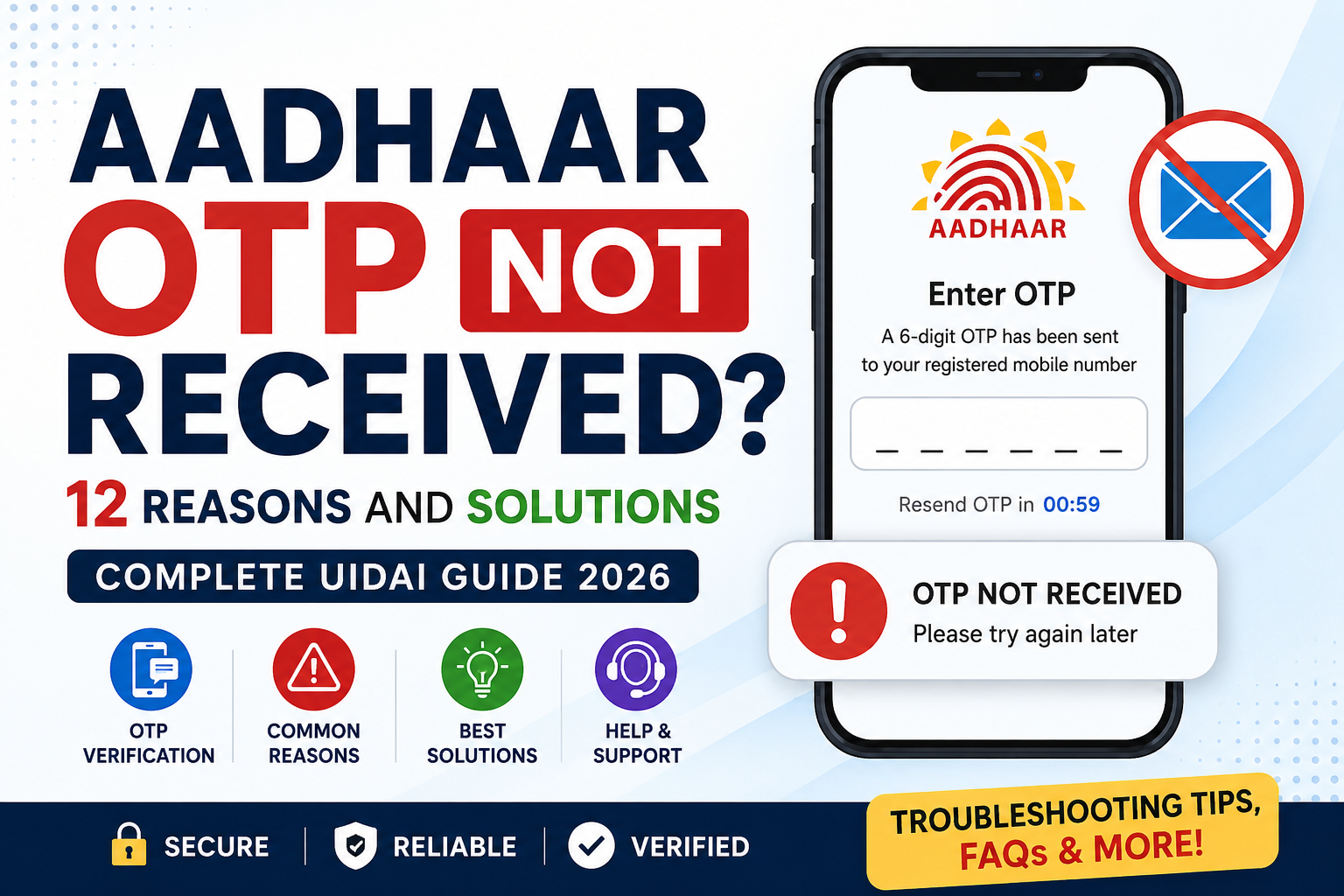
Aadhaar OTP (One-Time Password) verification is an important security step used while accessing various UIDAI services online. Whether you are downloading an e-Aadhaar, updating details, locking biometrics, or using Aadhaar authentication, receiving the OTP on your registered mobile number is essential.
However, many users face the frustrating problem of Aadhaar OTP not received. If you are wondering, “Why am I not getting Aadhaar OTP on my registered mobile number?” this guide explains the most common reasons and practical solutions.
What is Aadhaar OTP Verification?
Aadhaar OTP verification is a security process implemented by UIDAI. When you access Aadhaar-related services, a unique OTP is sent to your registered mobile number. Entering this OTP confirms your identity and allows the transaction to proceed securely.
Common services requiring Aadhaar OTP verification include:
- Downloading e-Aadhaar
- Aadhaar address updates
- Biometric lock/unlock
- Aadhaar authentication
- DigiLocker access
- Government scheme verification
Aadhaar OTP Not Received: 12 Common Reasons and Solutions
1. Mobile Network Issues
Poor signal strength is one of the most common causes of OTP delivery failure.
Solution:
- Move to an area with better network coverage.
- Toggle airplane mode ON and OFF.
- Restart your mobile phone.
2. Registered Mobile Number is Incorrect
OTP is sent only to the mobile number registered with Aadhaar.
Solution:
- Verify your Aadhaar-linked mobile number.
- Visit an Aadhaar Enrollment or Update Center if your number needs updating.
3. Temporary UIDAI Server Issues
Sometimes UIDAI servers experience high traffic or maintenance.
Solution:
- Wait 10–15 minutes.
- Retry the OTP request later.
4. SMS Inbox is Full
A full inbox may prevent new messages from arriving.
Solution:
- Delete unnecessary SMS messages.
- Request the OTP again.
5. DND (Do Not Disturb) Restrictions
Certain telecom settings may delay service-related messages.
Solution:
- Contact your telecom operator.
- Ensure important service messages are allowed.
6. SIM Card Problems
A damaged or inactive SIM card can block OTP delivery.
Solution:
- Reinsert the SIM card.
- Test whether regular SMS messages are being received.
7. Multiple OTP Requests
Requesting OTP repeatedly within a short time may trigger temporary restrictions.
Solution:
- Wait for a few minutes before requesting another OTP.
8. Mobile Number Recently Changed
If your Aadhaar-linked number has been deactivated or changed, OTP delivery will fail.
Solution:
- Update your mobile number through UIDAI.
9. Telecom Network Congestion
High SMS traffic can delay OTP delivery.
Solution:
- Wait several minutes.
- Retry during non-peak hours.
10. Blocked Service Messages
Some smartphones automatically filter service SMS messages.
Solution:
- Check spam, blocked, or filtered message folders.
11. International Roaming Issues
OTP delivery may not function properly while roaming internationally.
Solution:
- Enable international SMS services.
- Contact your mobile operator.
12. Device Software Issues
Outdated software may interfere with message delivery.
Solution:
- Update your phone’s operating system.
- Restart the device.
Aadhaar OTP Issue Today: What Should You Do?
If Aadhaar OTP issues are affecting many users today, the problem may be temporary.
Try these steps:
- Check your mobile network.
- Wait for 10–15 minutes.
- Retry the OTP request.
- Verify the registered mobile number.
- Contact UIDAI support if the issue continues.
Aadhaar OTP Login Problems
Many UIDAI services require Aadhaar OTP login.
If login OTP is not arriving:
- Ensure the mobile number is linked with Aadhaar.
- Use the latest browser version.
- Clear browser cache and cookies.
- Retry after some time.
Why Am I Not Getting Aadhaar OTP on My Registered Mobile Number?
Possible reasons include:
- Network problems
- Incorrect registered number
- UIDAI server delays
- Full SMS inbox
- Telecom restrictions
- SIM-related issues
In most cases, the issue is temporary and can be resolved quickly.
Why Am I Getting Aadhaar OTP Without Request?
Receiving an Aadhaar OTP without initiating a request may indicate:
- Someone accidentally entered your Aadhaar number.
- A previous session generated an OTP.
- An authentication attempt was made.
Important:
- Never share OTPs with anyone.
- Ignore unexpected OTP messages if you did not initiate the request.
- Monitor your Aadhaar activity regularly.
UIDAI OTP Not Coming: Advanced Troubleshooting
If UIDAI OTP is still not coming:
- Restart your mobile device.
- Insert the SIM into another phone.
- Check whether other SMS messages are arriving.
- Verify Aadhaar-linked mobile details.
- Contact UIDAI support for assistance.
Aadhaar OTP Number
Users often ask about the Aadhaar OTP number.
UIDAI OTPs are sent through official service messaging systems and may appear from different sender IDs depending on the telecom operator.
Always trust OTP messages only if they are received after your own Aadhaar service request.
How to Get Aadhaar OTP Without Mobile Number?
Aadhaar OTP is sent only to the registered mobile number.
If you no longer have access to that number:
- Visit an Aadhaar Enrollment Center.
- Update your mobile number.
- Complete biometric verification as required.
There is no official method to receive Aadhaar OTP without access to the registered mobile number.
Tips to Avoid Aadhaar OTP Problems
- Keep your Aadhaar-linked mobile number active.
- Update contact details promptly.
- Maintain adequate network coverage.
- Avoid repeated OTP requests.
- Regularly clear unnecessary SMS messages.
- Keep your device software updated.
Why is my Aadhaar OTP not received?
Network issues, server delays, or incorrect registered mobile numbers are common causes.
How long does Aadhaar OTP take to arrive?
Usually within a few seconds, but delays can occur during heavy traffic.
Can I get Aadhaar OTP on email?
No. Aadhaar OTP is sent only to the registered mobile number.
What should I do if UIDAI OTP is not coming?
Check your network, restart your phone, and retry after some time.
Can I receive OTP on a new number?
Only after updating the mobile number in Aadhaar records.
Why am I getting Aadhaar OTP without request?
Someone may have entered your Aadhaar details accidentally or initiated authentication.
Is Aadhaar OTP required for e-Aadhaar download?
Yes, OTP verification is generally required.
Can I bypass Aadhaar OTP verification?
No, OTP verification is a mandatory security measure.
What if my registered number is inactive?
You must update your mobile number through UIDAI.
Does DND block Aadhaar OTP?
Generally no, but some telecom configurations may affect delivery.
Can roaming affect Aadhaar OTP delivery?
Yes, international roaming may cause delays.
Why am I receiving delayed OTPs?
Network congestion or server load can cause delays.
Is Aadhaar OTP free?
Yes, Aadhaar OTP services are free.
How many times can I request OTP?
UIDAI may impose limits to prevent misuse.
Can dual SIM phones affect OTP delivery?
Sometimes the wrong SIM slot or default settings may cause confusion.
What is Aadhaar OTP verification?
It is a security process that confirms identity using a one-time password.
Can I use Aadhaar services without a mobile number?
Many online services require a registered mobile number.
How can I check my Aadhaar-linked number?
Visit UIDAI services or an Aadhaar Enrollment Center.
Is it safe to share Aadhaar OTP?
No. Never share OTPs with anyone.
What should I do if OTP issues continue for several days?
Contact UIDAI support or visit the nearest Aadhaar service center.
Aadhaar Date of Birth (DOB) Calculator – Free Online Age Finder

4 thoughts on “Aadhaar OTP Not Received? 12 Common Reasons and Solutions (2026 Guide)”