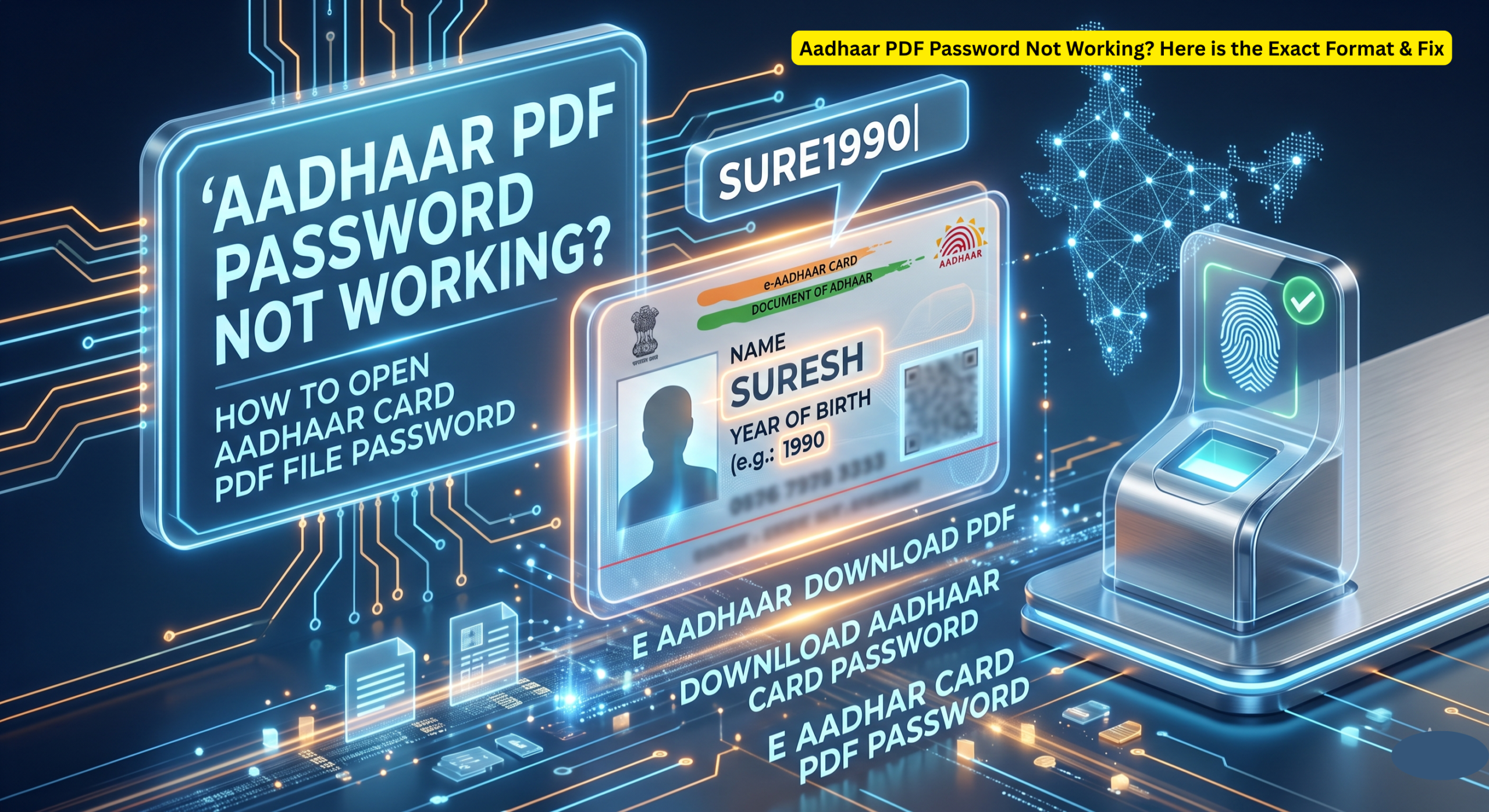
You just downloaded your e-Aadhaar from the official UIDAI website, but when you click to open it, a password prompt blocks your way. It can be super frustrating, especially when you are in a hurry to submit it for KYC, a bank application, or a new SIM card!
If your Aadhaar PDF password is not working, don’t worry. This is a very common issue, and the fix is much simpler than you think. In this guide, we will explain the exact password format, why it might be failing, and how to successfully open your digital Aadhaar.
The Standard Aadhaar PDF Password Format
To protect your personal data, UIDAI locks every downloaded digital Aadhaar file. The password is an 8-character combination created directly from your personal details.
Here is the master formula:
First 4 letters of your Name (in CAPITAL letters) + Year of Birth (YYYY)
Password Format Examples
Let’s look at a few common naming scenarios to see exactly how this works:
| Name on Aadhaar | Year of Birth | Exact Password to Type |
| SURESH KUMAR | 1990 | SURE1990 |
| RIA (Short Name) | 1995 | RIA1995 |
| P. KUMAR (With Initials) | 1988 | P.KU1988 |
| SAI KUMAR | 2001 | SAIK2001 |
Why is my E aadhar Card PDF password not working? (Troubleshooting)
If you are typing in the password and the PDF still says “Incorrect Password,” double-check these 4 common mistakes:
- You aren’t using Capital Letters: The name portion MUST be in UPPERCASE. Typing
sure1990will fail; it must beSURE1990. - Adding Extra Spaces: Do not include any spaces between your name and the year, or after initials.
- Using the Full Date of Birth: Do not type your full birth date (like DD/MM/YYYY). The system only wants the 4-digit year (e.g., 1990).
- Name Spelling Mismatch: You must use the exact spelling that you provided during your Aadhaar enrollment. If your official name on the card includes a dot (like M.KUMAR), you must include that dot in the password.
How to open Aadhar card PDF file password?
To open your file, double-click the downloaded PDF using a standard reader like Adobe Acrobat or your web browser. When the password box appears, type the first 4 letters of your name in ALL CAPS, immediately followed by your 4-digit year of birth. Hit enter, and your document will unlock.
What is the Download Aadhar Card PDF password?
The password is not sent to you via SMS or email. It is a system-generated lock based entirely on your identity. Every time you download a fresh copy, the password rule remains exactly the same: First 4 Name Letters (CAPS) + Birth Year.
How do I do an E Aadhaar download PDF?
You can easily download your digital Aadhaar by visiting the official UIDAI portal (myaadhaar.uidai.gov.in). Log in using your 12-digit Aadhaar number, complete the CAPTCHA, and verify your identity using the OTP sent to your Aadhaar-linked mobile number.
Central Government Portals List : Aadhaar, EPFO, PM-Kisan & More
